You haven't signed in yet, you can have a better experience after signing in
*Please complete the payment within {{receiveCouponInfo.expire_at}}Previous use*
You haven't signed in yet, you can have a better experience after signing in







Activity Rules
1、Activity time:{{ info.groupon.start_at }} ~ {{ info.groupon.end_at }}。
1、Activity time:cease when sold out。
2、Validity period of the Group Buying:{{ info.groupon.expire_days * 24 }} hours。
3、Number of Group Buying:{{ info.groupon.need_count }}x。
Please Pay Attention
1、Teamwork process: Join/initiate a Group Buying and make a successful payment - Within the validity period, the number of team members meets the activity requirements - Group Buying succeeded!
2、If the number of participants cannot be met within the valid period, the group will fail, and the paid amount will be refunded in the original way.
3、The number of people required and the time of the event may vary among different products. Please pay attention to the rules of the event.
Clearer, more flexible, and more convenient
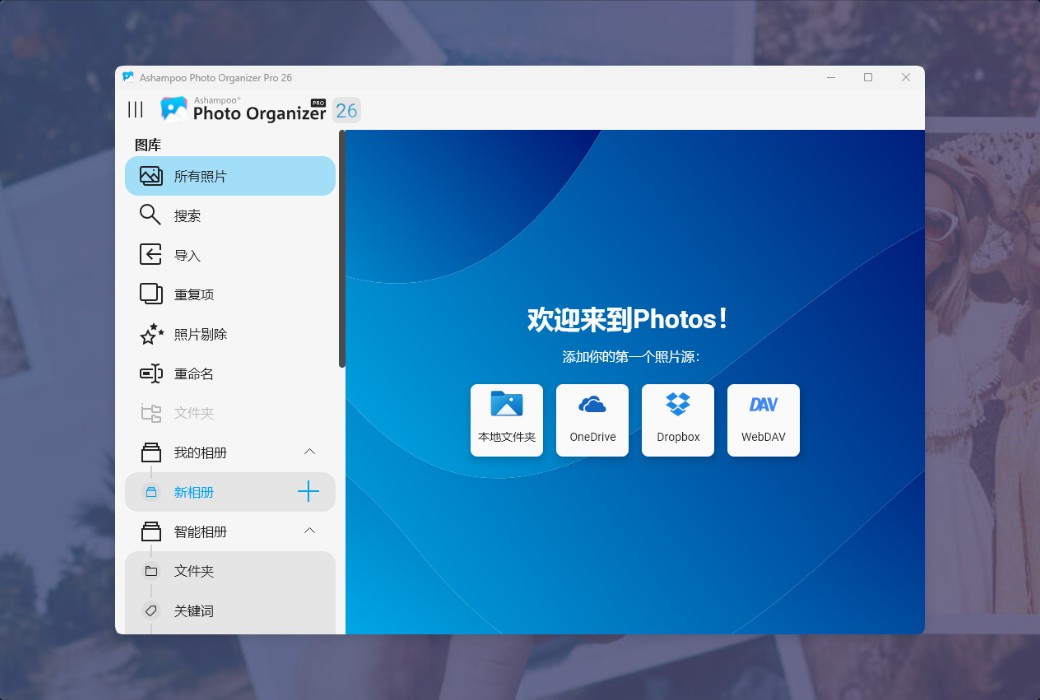
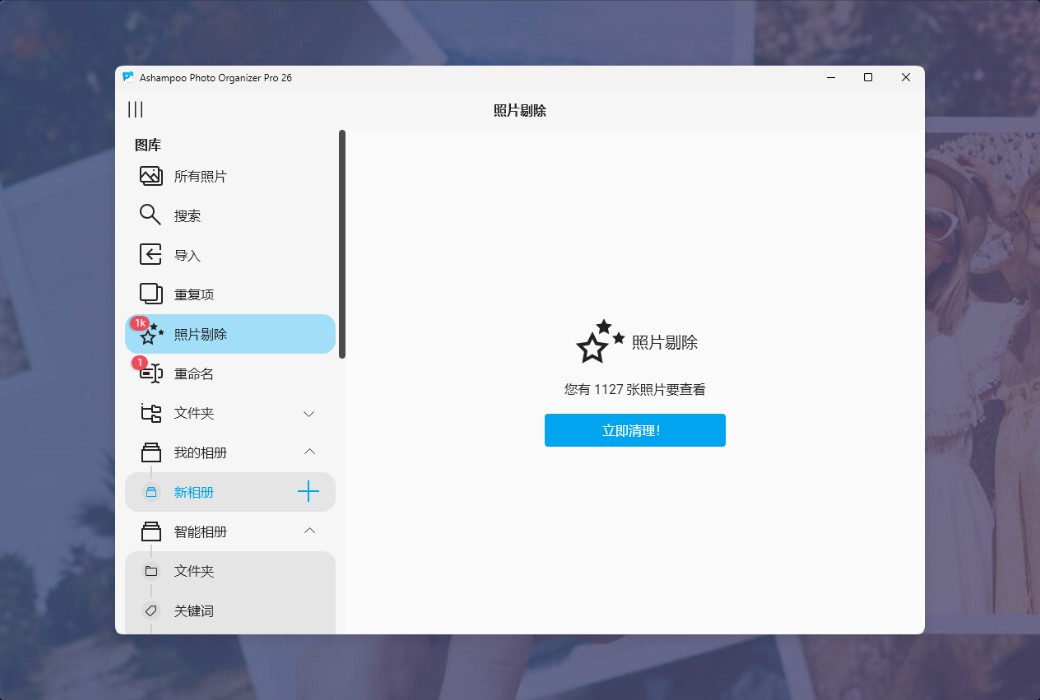
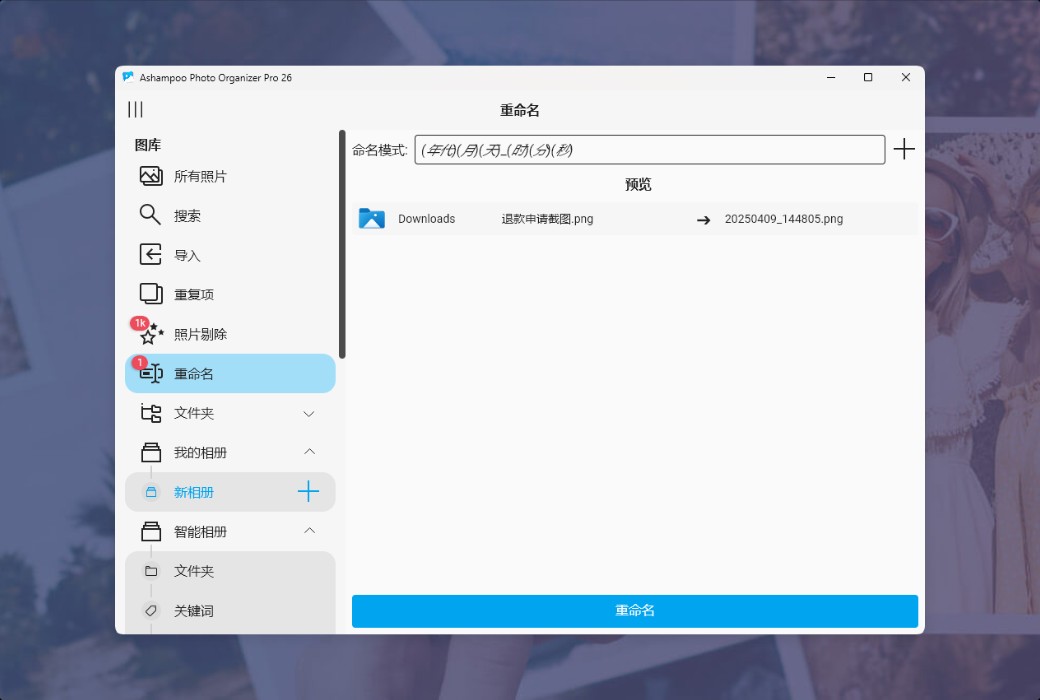
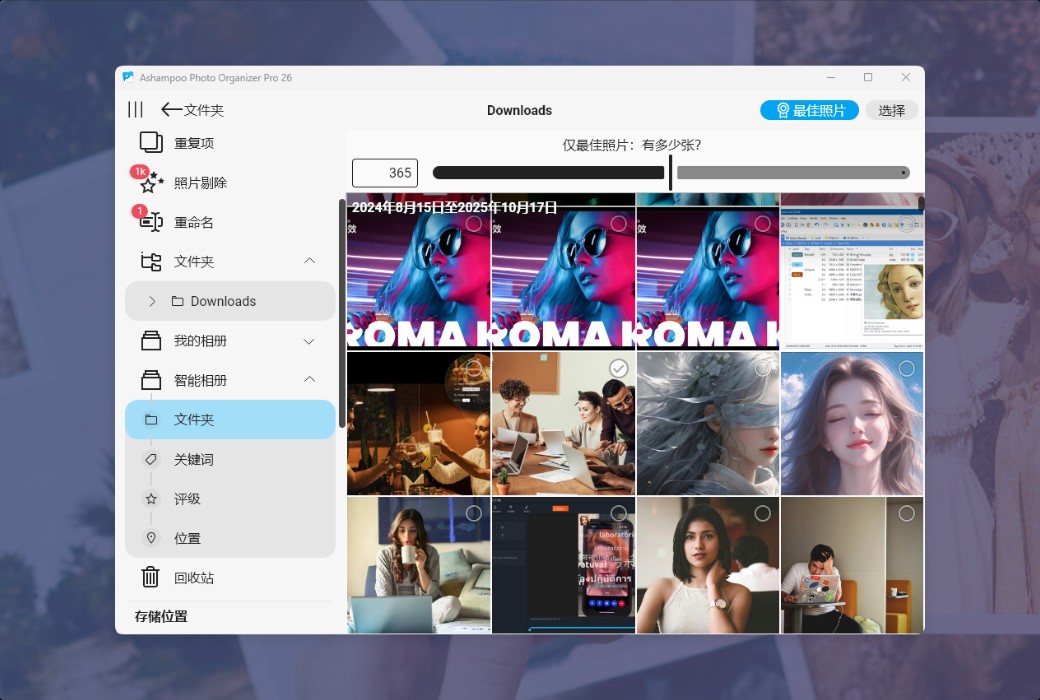
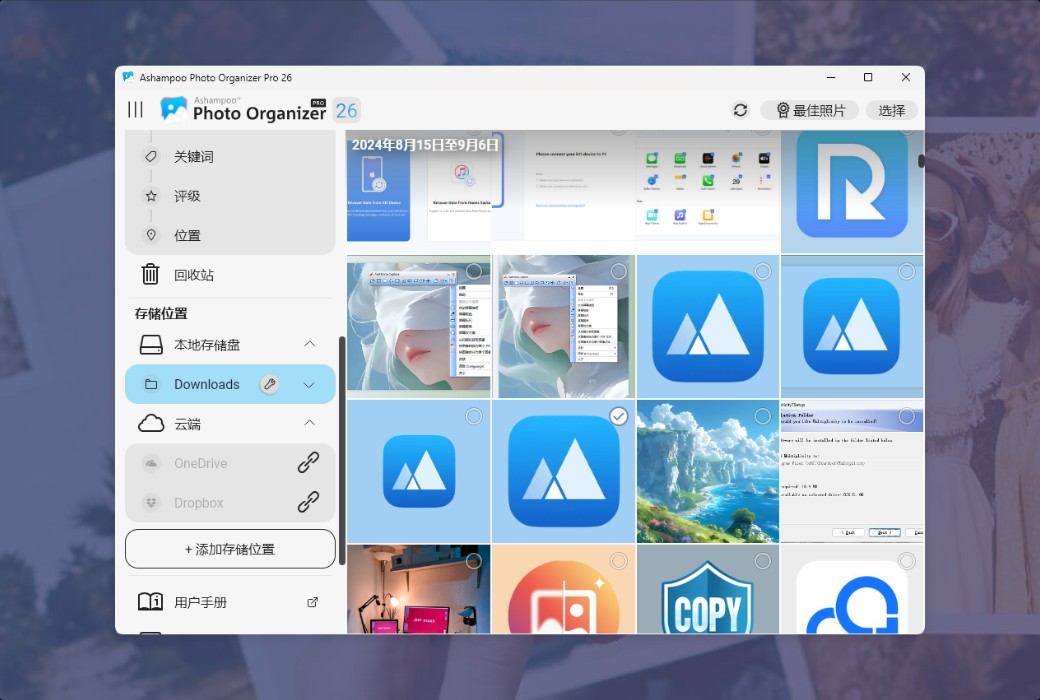
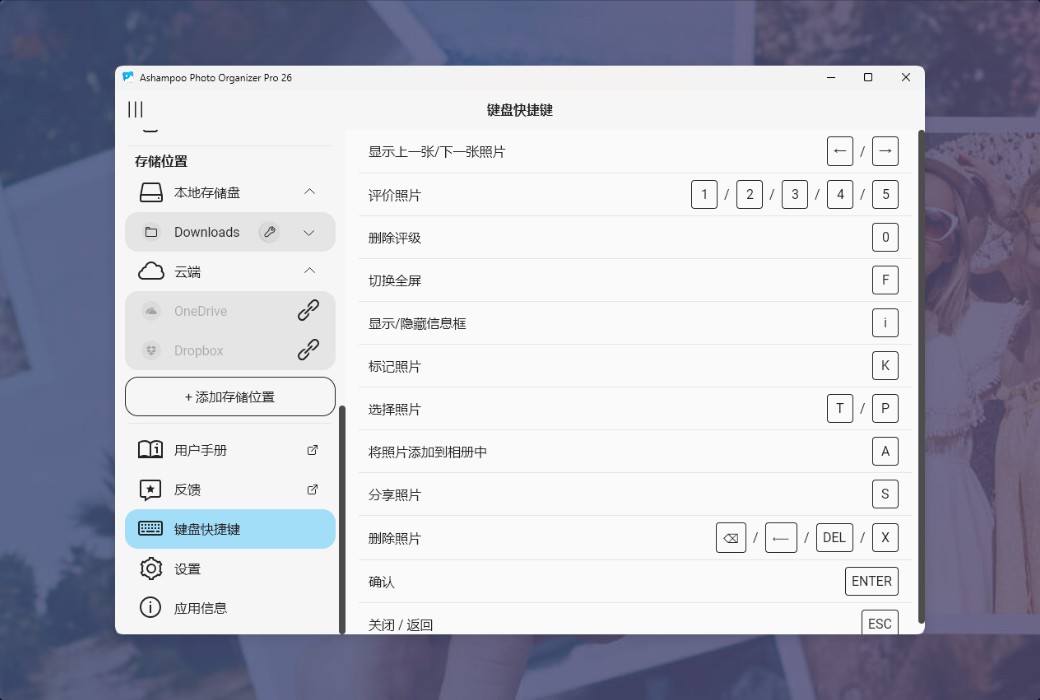
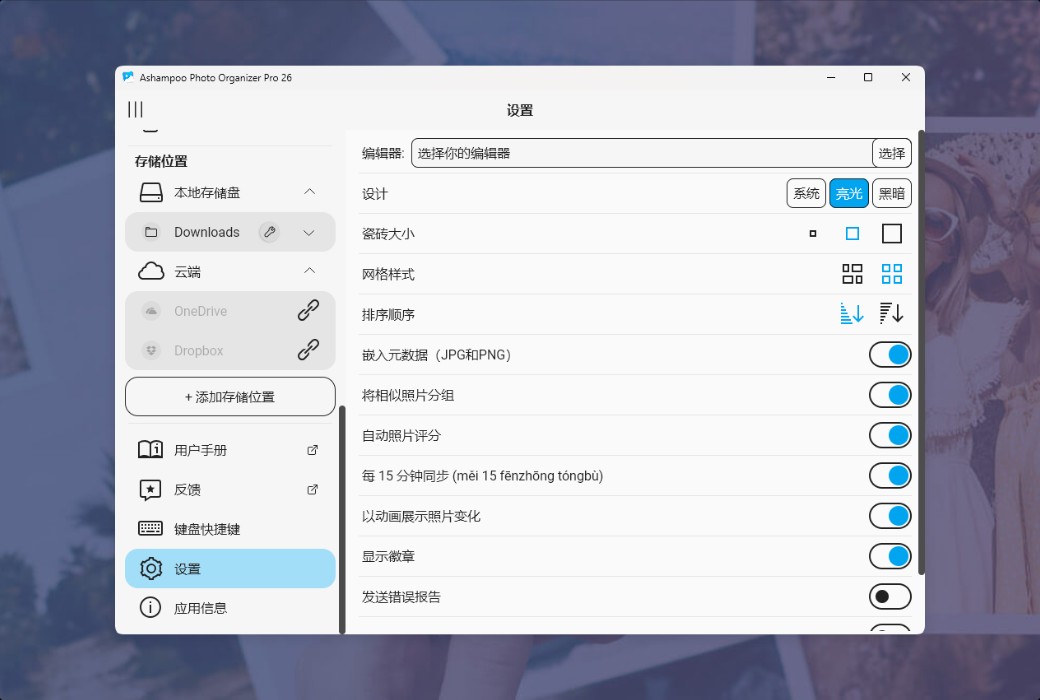
Ashampoo Photo Organizer Pro 26 features more comprehensive, faster, and more flexible - including the functions that users have always dreamed of! Managing large photo collections has never been so easy. Experience the new classic folder tree view, WebMAV cloud integration, or rapid batch processing of tags, and feel the ease and convenience of professional photo organization!
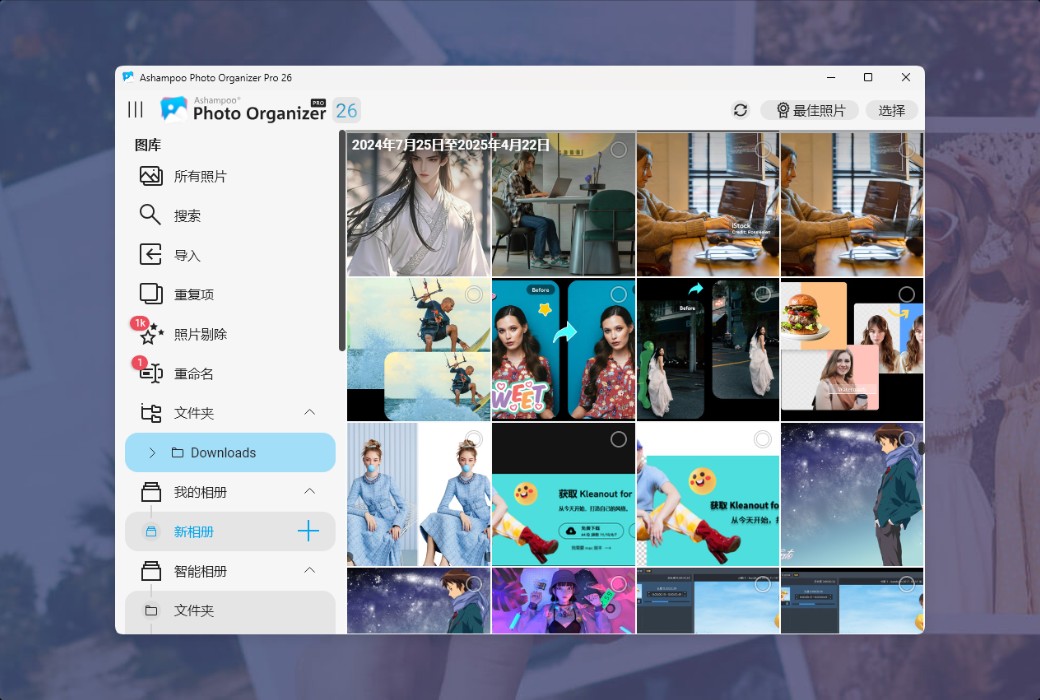
New folder tree view for easier navigation
The new folder tree view allows you to clearly view the actual arrangement of photos in the system with a classic folder structure. The navigation is more intuitive, and finding photos is easier than ever before. Whether you are browsing project folders, vacation albums, or customizing categories, simply click on the familiar hierarchical structure to immediately find the content you need. For users who value personal file organization systems, this is undoubtedly an ideal choice!
Accessing More Cloud Services with WebDAV
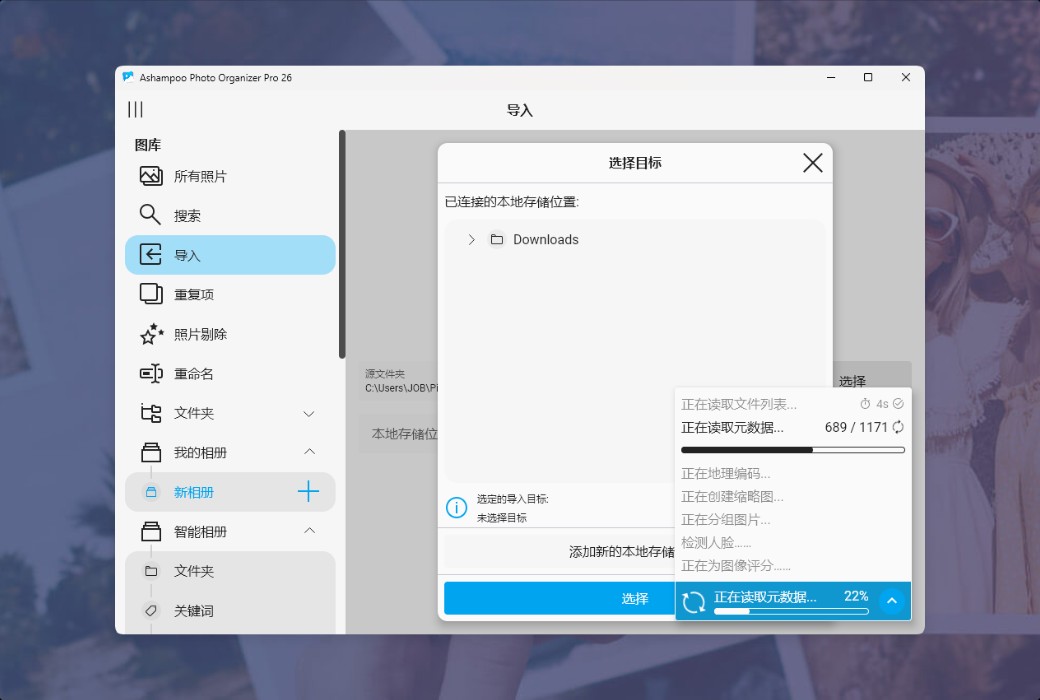
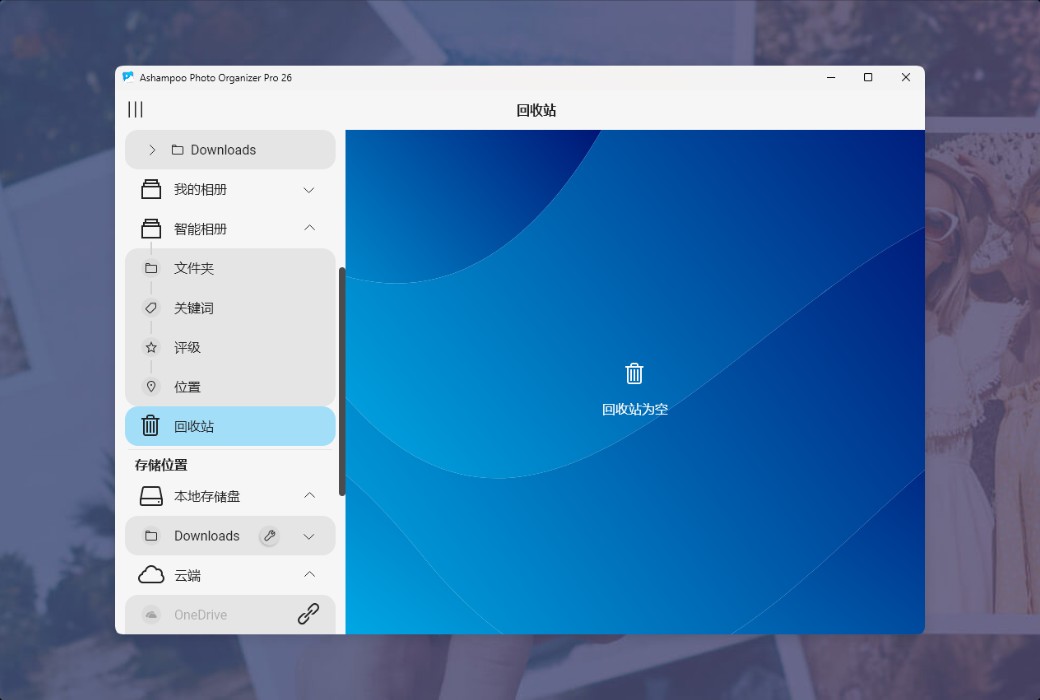
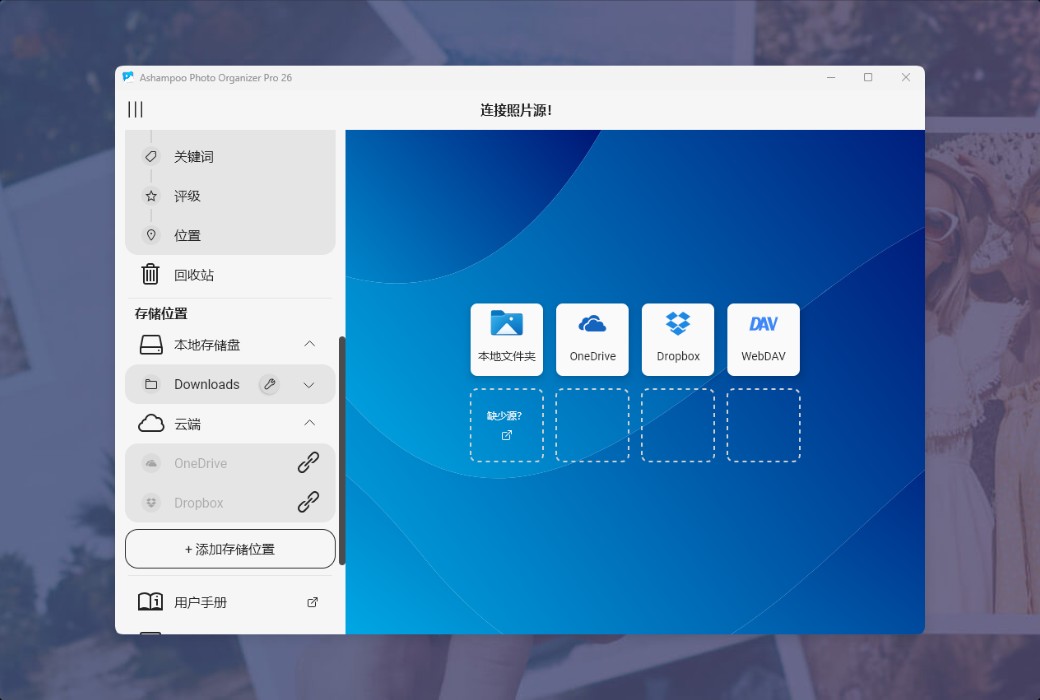
Now, you can directly load photos from cloud services that support WebDAV, including popular cloud service providers such as Nextcloud, ownCloud, and pCloud. Seamless access to remotely stored images and integration of self hosted solutions into your workflow. Whether you're getting vacation photos from your family's Nextcloud or professional photos from your pCloud backup, Ashampoo Photo Organizer Pro can consolidate all your content in one place, including local files, Dropbox, OneDrive, and WebDAV cloud!
Batch edit tags and positions
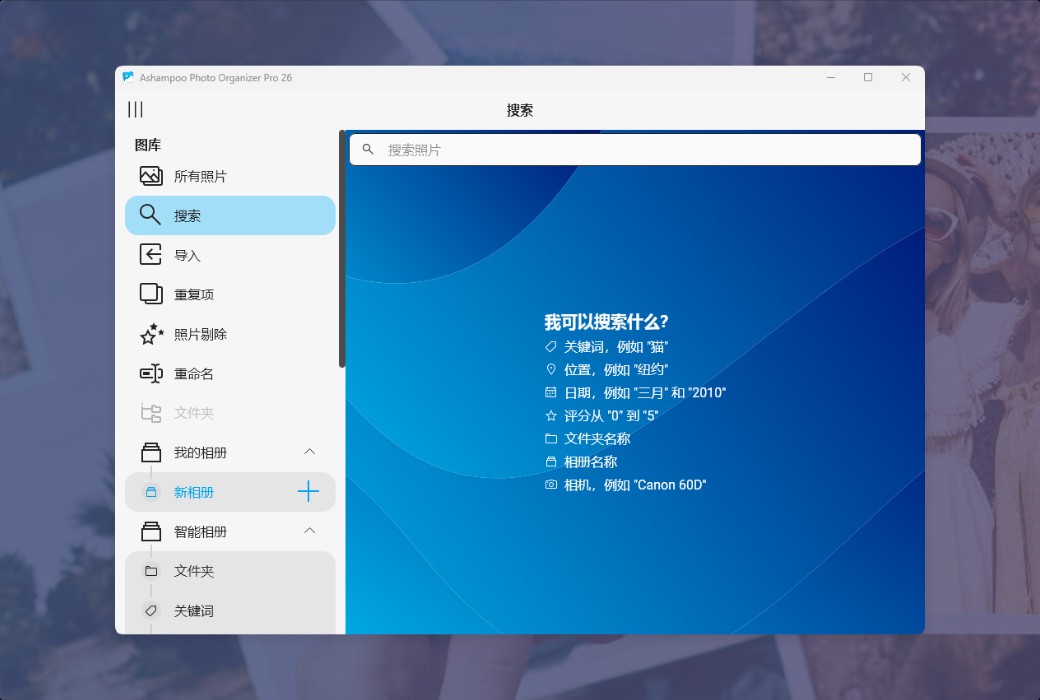
Use the new batch processing function to save more time! Add tags or adjust the position of multiple photos at once. For example, assigning the same location to all photos of a one-day trip, or adding tags to a series of activity photos. This is the perfect way to organize large photo collections for future searches while keeping the photo library structure clear and easy to browse!
Official website:https://www.ashampoo.com/zh-cn/photo-organizer-pro-26
Download Center:https://ashampoo-photo-organizer.apsgo.cn
Backup Download:N/A
Delivery time:Manual online processing
Operating Platform:Windows
Interface language:Supports Chinese interface display and multiple language options.
Update Description:Lifetime version, supports minor version updates. Example: v26. x
Trial before purchase:Free trial is available before purchase.
How to receive goods:After purchase, the activation information will be sent to the email address at the time of placing the order, and the corresponding product activation code can be viewed in the personal center, My Orders.
Number of devices:Can install one computer.
Replace computer:Uninstall the original computer and activate the new computer.
Activation guidance:To be added.
Special note:N/A
reference material:https://www.ashampoo.com/zh-cn/photo-organizer-pro-26

Any question